
How it works
Six steps from onboarding to live.
Atria is trained on your property, not generic hospitality. Timelines depend on your readiness and are agreed during your demo.
- 01
Property onboarding
We collect what Atria needs to know about your property.
- Room inventory
- Amenities
- Hotel information
- Policies
- Timings
- Departments
- Escalation rules
- Service information
- 02
Train Atria
Your information becomes a property knowledge base that Atria answers from.
- Property knowledge base
- Review of answers before go-live
- 03
Configure departments
Set up the teams that receive tasks.
- Housekeeping
- Maintenance
- Front desk
- Dining
- Management
- 04
Configure SLAs
Set a response target per department. Examples:
- Housekeeping: 10 minutes
- Maintenance: 15 minutes
- Your own values are set during configuration
- 05
Connect guest access
Guests reach Atria through the channels enabled for your property.
- QR
- Web
- WhatsApp, as an add-on once confirmed for your property
- 06
Go live
Guests begin using Atria. Your teams work from their workspaces and managers watch the dashboard.
A better way to care for every request
See Atria on your property.
A walkthrough built around your departments, your timings and your escalation rules.
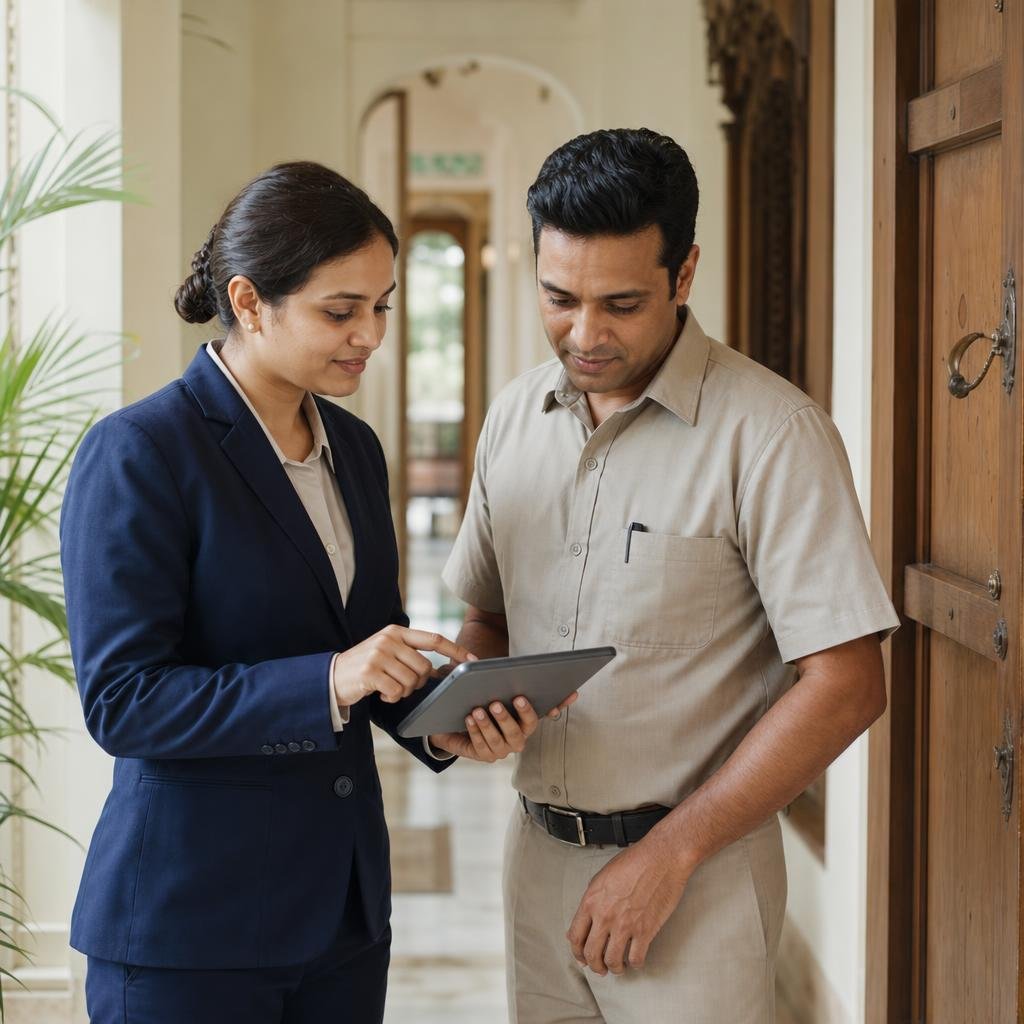 Illustrative hotel workflow
From a guest request to the right team
- 01 Guest asks
- 02 Atria routes
- 03 Team responds